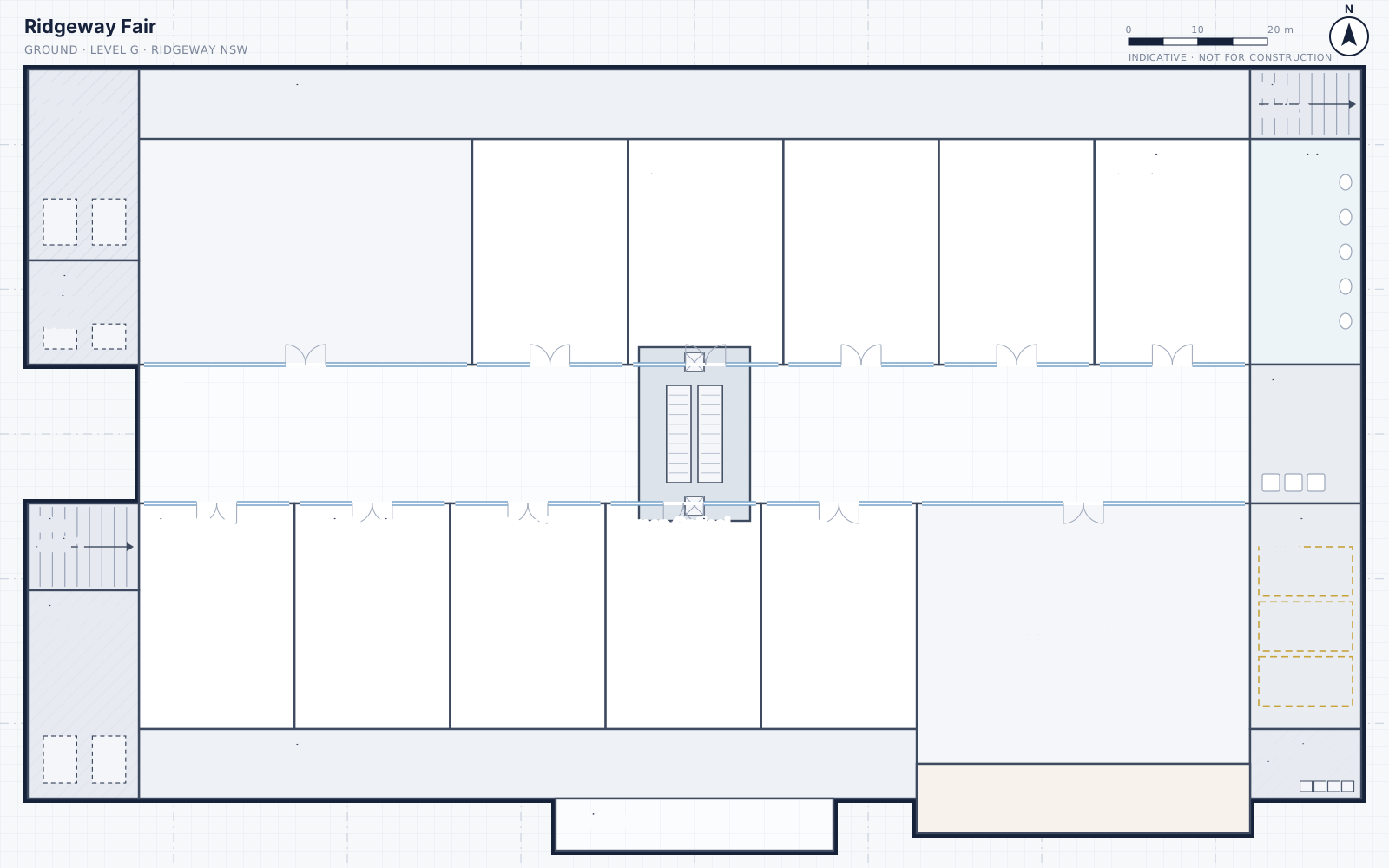
Every asset on the plan. Every site known from day one.
A site knowledge base for shopping centres and office buildings, held by the asset manager.
Book a call
Site knowledge lives in people's heads, and walks out the door with them.
When a manager leaves or a contract changes hands, the next person re-learns the site from scratch. Sitelore keeps that knowledge with the site, in a record the asset manager holds.
Four outcomes.
-
01
Asset location and identification
Find any asset on the plan and know exactly what it is and what it feeds.
-
02
Operational streamlining
Less chasing and fewer wasted call-outs. Contractors arrive knowing what and where.
-
03
Capex budgeting
A replacement forecast by financial year, built from the register, across every centre.
-
04
Knowledge transition
New managers, relief staff and contractors up to speed in days, not months.
Built for the person standing in the plant room.
If you can use a map on your phone, you can find an asset in Sitelore.
-
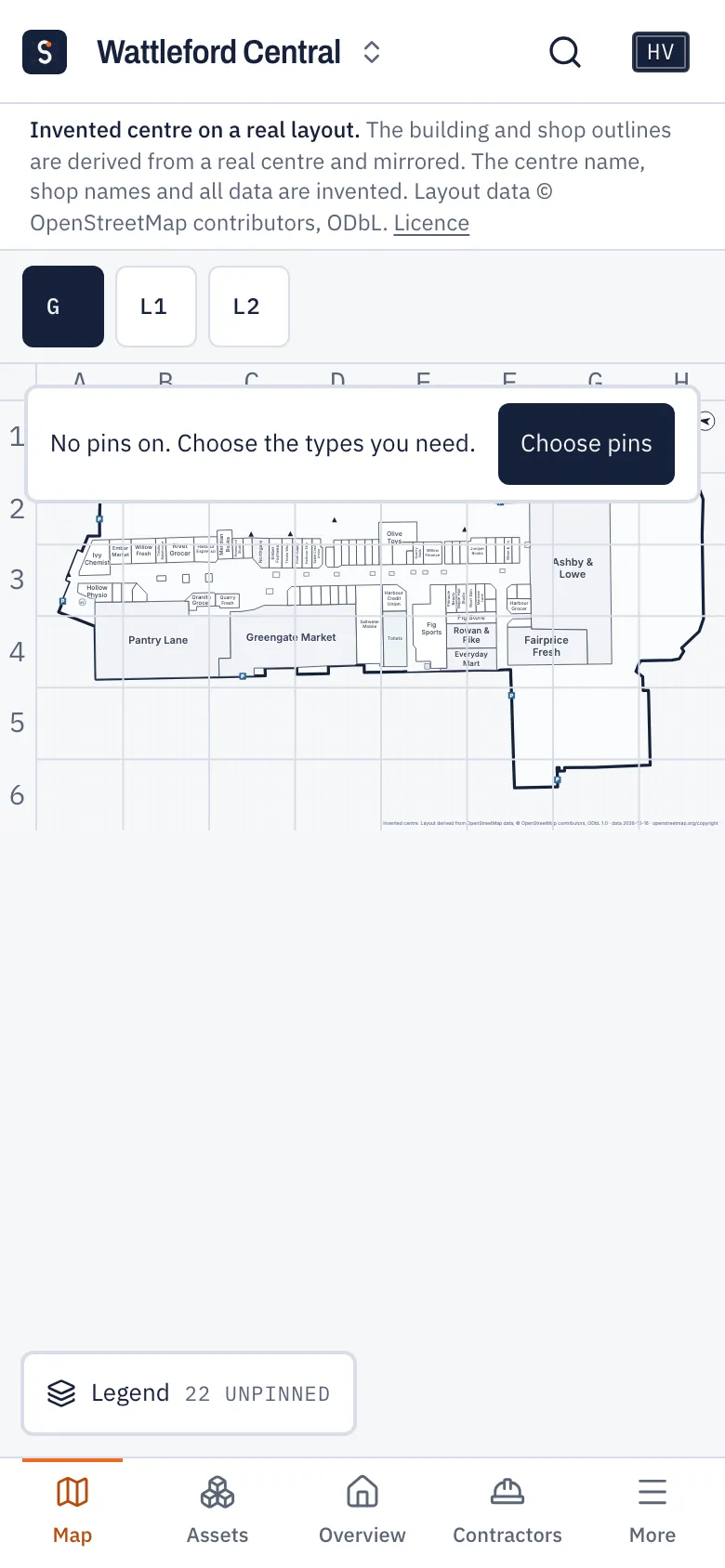
1. Open the site
The plan opens clean, with nothing in the way.
-
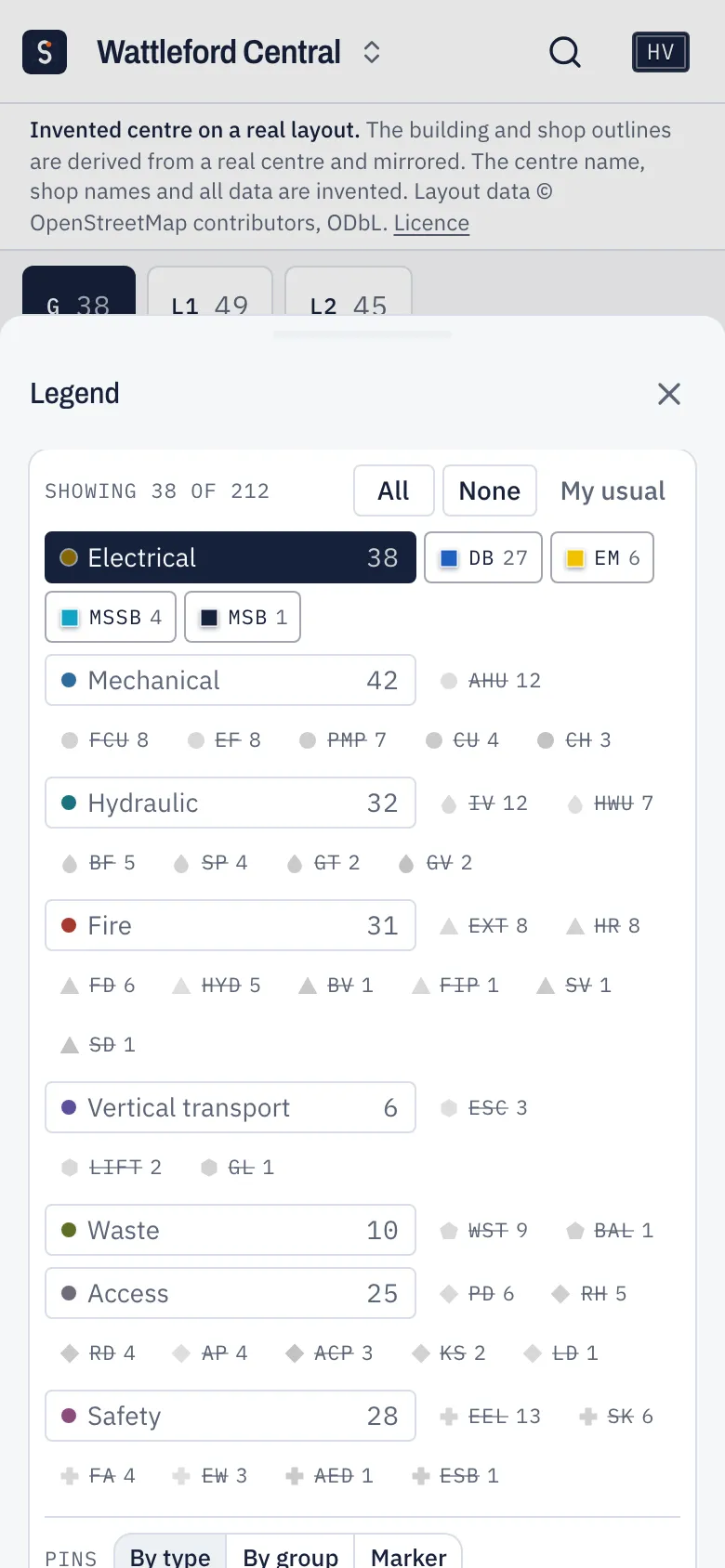
2. Switch on what you need
Tap a trade or a single type. Only those pins appear.
-
3. Tap the pin
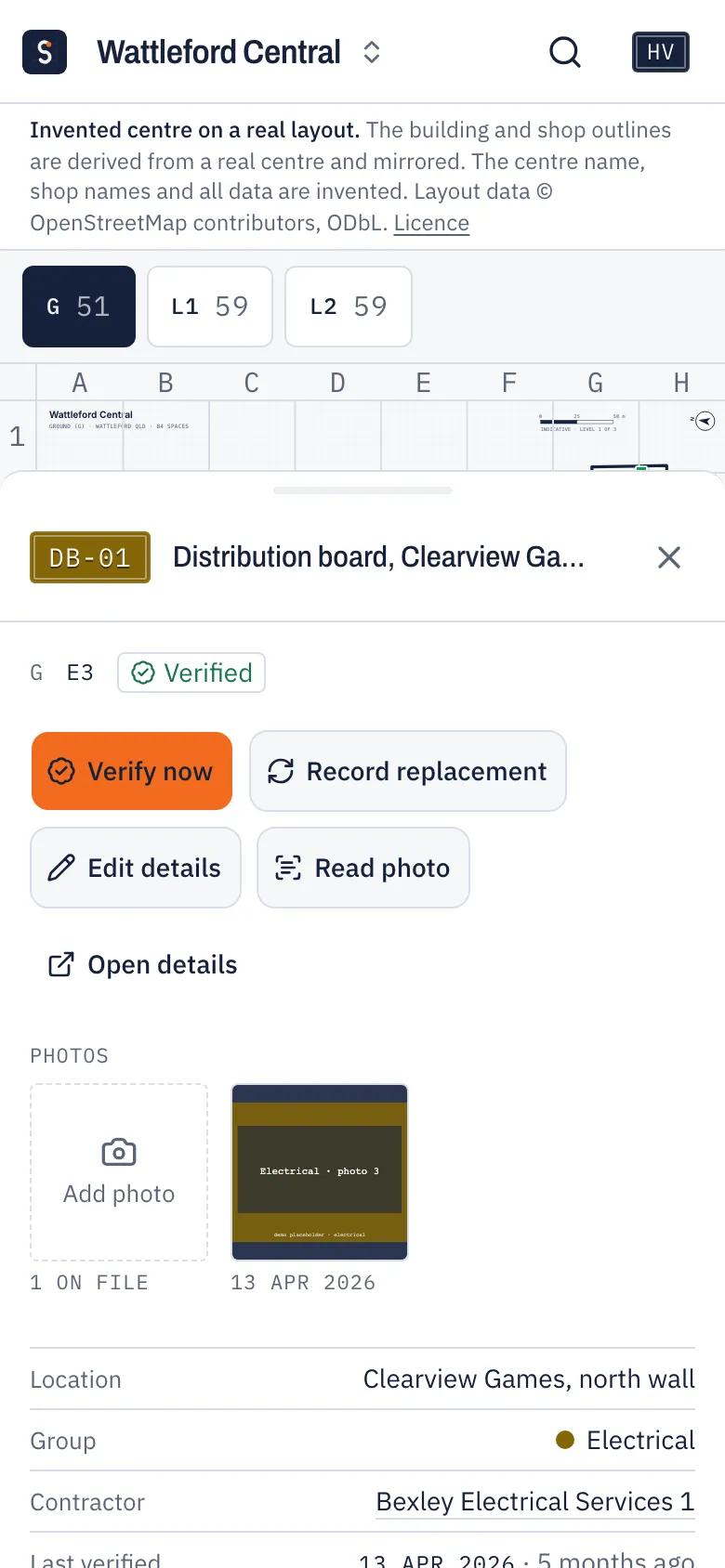
Photo, location, contractor and what it feeds. Verify it or record a replacement on the spot.
-
Search the way you talk
Shop names, rooms, tags, or "what feeds EM-01".
-
Nothing to install
Opens in the browser and adds to the home screen on iPhone and Android.
-
Only what your job needs
Each role sees the screens it uses. Contractors see only their own assets.
-
Every site works the same way
The same map, tabs and reports at every centre, so moving sites is easy.
How handover works
When a manager leaves or a contract changes hands, the site should not leave with them. Six steps, in this order.
- 01
Step 1: Freeze a revision
The site record as it stands, held as one version for the handover.
- 02
Step 2: Close the gaps
Assets missing a photo, a tag or a grid reference get them.
- 03
Step 3: Write down what isn't an asset
Who to call, after-hours, radio call signs, emergency codes and isolation points.
- 04
Step 4: Walk the site together
Outgoing and incoming, with the floor plate.
- 05
Step 5: Hand over the packs
The printable handover pack for the manager, the transition pack for the contractor.
- 06
Step 6: Confirm and sign off
The incoming person confirms what they were handed.
Every centre's record, ready to hand over
A short call to see whether Sitelore fits your sites, and what capture would look like for one of them.